Skip to content

One family account that connects the people truly involved in caring for your child.

MTFDX Family lets multiple children, multiple guardians, Trusted Adults, and institutions coordinate around the same family relationship—not duplicate registrations and verbal confirmations.

Approved-candidate lifestyle scene for Hero (R20 visual pack) (MTFDX original candidate illustration, project-owned)
Layered architecture diagram for Today (MTFDX original candidate illustration, project-owned)

Open the home screen and see today first.

Your child's current responsibility status, today's Handover plan, items awaiting confirmation, and Emergency help are all on one screen.

Demo · synthetic data only

Synthetic: two children — demo states only
Layered architecture diagram for Multi-child (MTFDX original candidate illustration, project-owned)

Multiple children don't need multiple families.

Each Child ID independently manages age band, institution relationships, and permissions; the Family ID keeps family coordination unified.

Haru Tanaka (grade 2)

School + after-school care

  • School ends 14:30
  • Handover 15:30

Minami Tanaka (nursery)

Preschool only

  • Drop-off 8:30
  • Pick-up 16:00
Original illustration for Adults (an adult and child scene) (MTFDX original candidate illustration, project-owned)

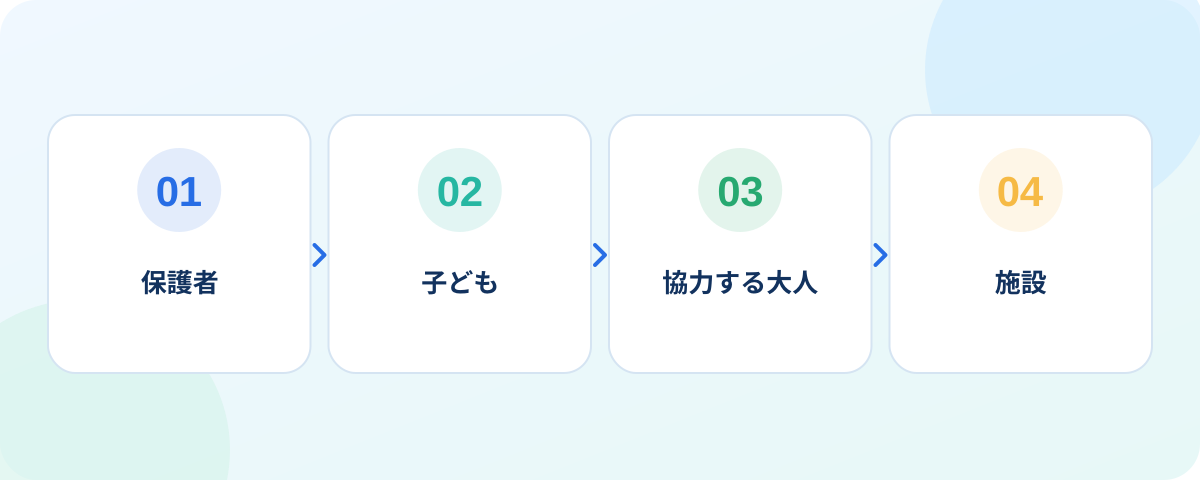
Both parents, grandparents, and Trusted Adults can have different permissions.

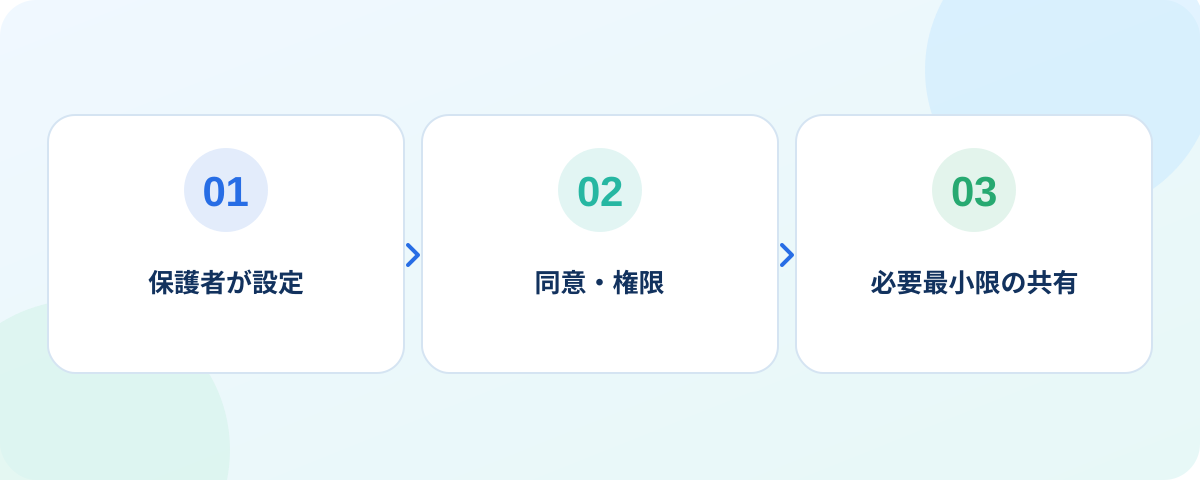
High-risk actions can require the Primary Guardian or a second confirmation.

Primary guardian

Full authority, approves high-risk actions

Secondary guardian

Day-to-day actions, emergency proxy

Grandparent / trusted adult

Receive only in a set window

Institution dashboard mockup for Institutions (MTFDX original candidate illustration, project-owned)

Share only the information an institution needs for the matter at hand.

An institution cannot see other children in the family or the full family contacts just because it is linked to one child.
After-school clubAssigned roster and handoverMinimum
PreschoolToday's drop-off / pick-up onlyMinimum
Sports clubPractice-day handover onlyMinimum
Layered architecture diagram for Notifications (MTFDX original candidate illustration, project-owned)

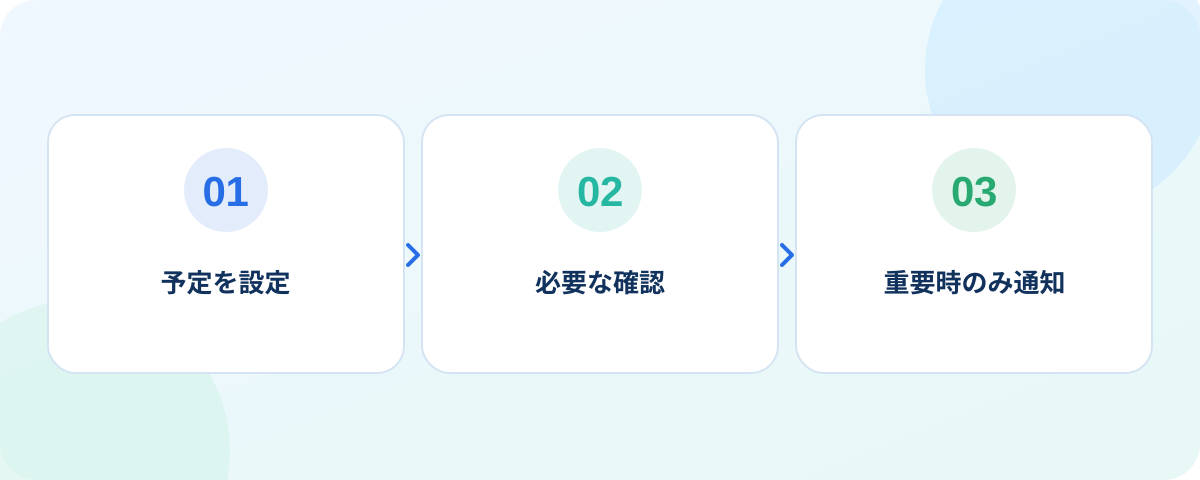
Fewer notifications, more of the alerts that actually need action.

Routine confirmations, items needing confirmation, and Emergency use different priorities to avoid notification fatigue.

Routine

Quiet and batched for later

Needs confirmation

Surfaced first with a prompt

Emergency

Loud alert and a human process

Original illustration for Bundle (an adult and child scene) (MTFDX original candidate illustration, project-owned)

Start with Safe, and add Companion, Explore, and Grow when you need them.

  1. SafeTrusted handover & responsibilityPreview
  2. Family / CompanionDaily coordination and conversationPreparing
  3. Explore / GrowReading, artifacts, growthPreparing